Whole board in one list
The first 50 pins of the board appear together, newest first.

Paste a public Pinterest board link and get its pins in one list: images in original size, videos as MP4. Save them one by one or all at once.
Paste a public board link, like pinterest.com/name/board-name/. No Pinterest sign-in involved.
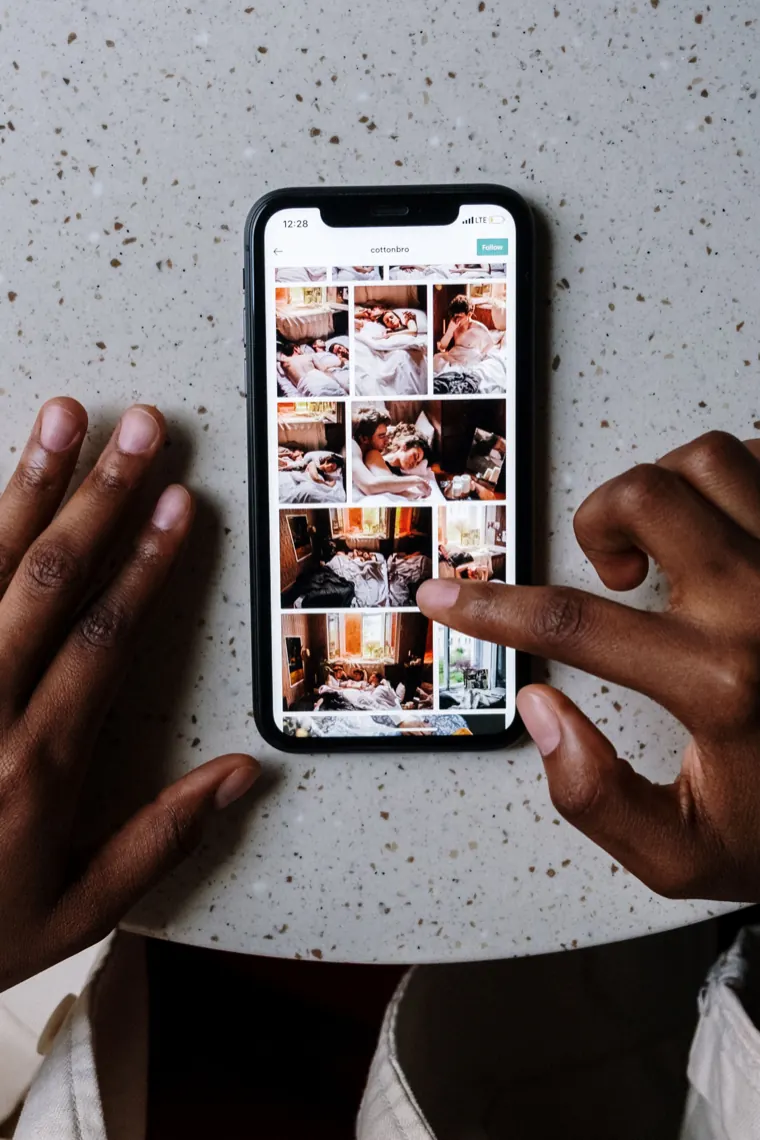
Bulk-save board pins from a phone or a computer
Saving a board pin by pin takes forever. Paste the board once and download its pins together.
The first 50 pins of the board appear together, newest first.
Download all works through every pin that has a Download button, so one tap fills your Downloads folder with the board.
Photos keep their original size and format, GIF pins stay animated, and video pins save as MP4 with sound.
The board's public link is all we need. We never see your Pinterest account, your saved pins or your own secret boards.
Idea Pins on a board show their cover. Tap Open pin to get every page.
Each file takes the board's name plus a number, like kitchen-ideas-12.jpg, so a bulk Pinterest download stays sorted. Nothing is kept on our server.
Pinterest has no button for downloading a board. You can save pins one at a time, or pull them through a Pinterest board downloader like this one. A few details decide how smoothly that goes.
Each paste lists the 50 newest pins on the board, and the header shows the total, for example 50 of 212 pins. To download all pins from a board that size, grab the first batch, then paste the links of older pins one by one. Another route is to save the older pins to a smaller public board of your own and paste that.
Most Pinterest videos are streamed in pieces, which takes extra requests to fetch. To keep a board quick, the first ten of those get a Download button straight away. Any video past that shows Open pin, which loads it here with its own Download and MP3 buttons. Photo and GIF pins have no such cap.
Every file is named after the board with a running number, so images from two boards never mix in one folder. Idea Pins arrive as their cover page; open the pin to get the rest.
You do not need the board tool for that. The Pinterest image downloader saves a single photo in original size, and the Pinterest video downloader handles one video with its sound.
One board link in, up to 50 pins out.
Open the board itself, not a single pin, and tap Share, then Copy link. In a desktop browser, the board address in the bar works as well.
Paste the board link above and press Download. Up to 50 pins load as cards, with the board's total pin count shown at the top.
Press Download all for everything, or pick single pins. When the browser asks whether this site may download multiple files, allow it.
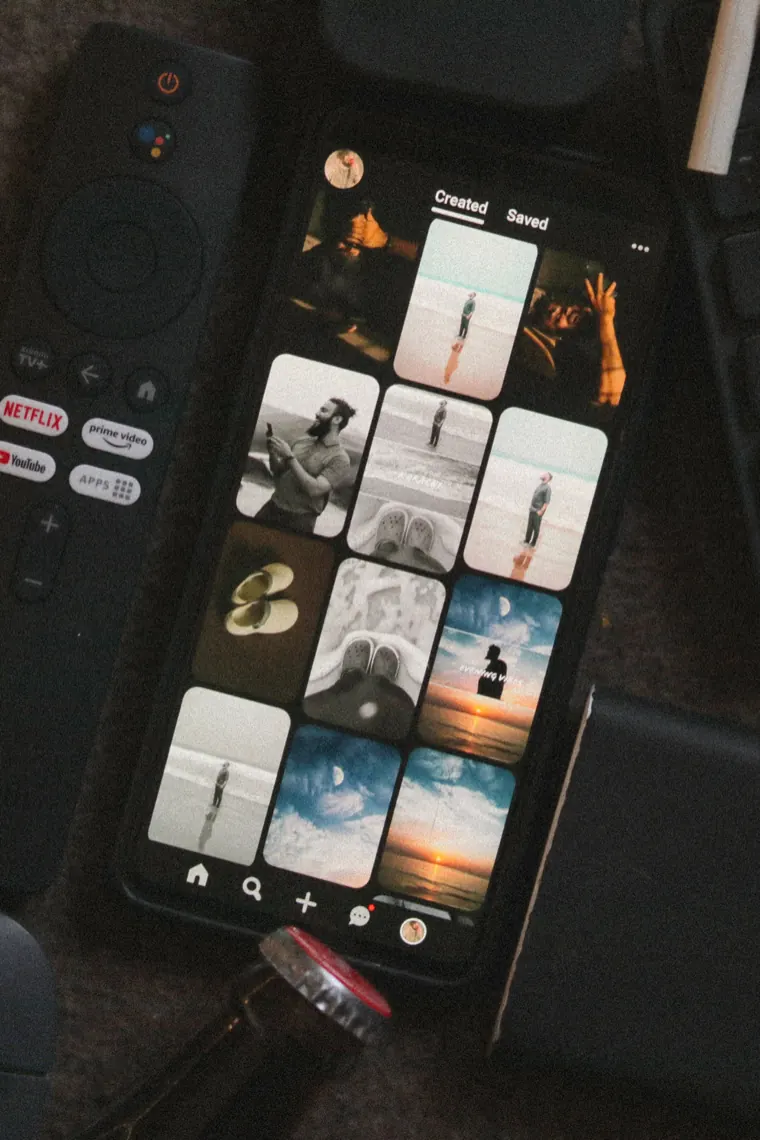
What happens with big boards, board sections and mixed pins.
Large boards list their first 50 pins, which keeps things quick. Paste a single pin for anything further down.
A board link looks like pinterest.com/username/board-name/. Copy it from the board's Share menu.
They show their cover. Open the pin, or use the Idea Pin downloader, for every page.
A link to a board section opens the whole board it sits in, so you see that board's first 50 pins rather than the section alone. Secret boards do not load at all.
What people ask before saving a whole board. Not covered here? Email us and a person will get back to you.
Copy the board link from its Share menu, paste it above and press Download. The pins appear as cards, with one Download all button for the whole list.
The first 50 pins of a public board at a time. For a specific pin further down, paste that pin's own link.
Yes. Download all saves the board images in their original size, one after another. Large boards list their first fifty pins at a time.
Each pin keeps its own type: photos in their original format and size, GIFs as animated .gif, and videos as MP4 with sound.
A board fetches its first ten streamed videos directly. Later ones show Open pin, which loads that single pin here with its own Download and MP3 buttons.
It loads the board the section belongs to. The list then shows that board's first 50 pins, not only the pins in the section.
After the board, with a number. A board called Kitchen Ideas gives kitchen-ideas-1.jpg, kitchen-ideas-2.mp4 and so on.
Open the board, tap Share and choose Copy link. It looks like pinterest.com/username/board-name/.
No. A secret board only opens for its owner and invited collaborators, so the tool cannot see it and reports it as not found.
Keeping a board for personal reference, such as a mood board you study offline, is the usual use. Republishing the images, or using them in client or paid work, needs the permission of whoever made them.