Facebook video in, MP3 out
No separate converter, no desktop software. Paste the link and the MP3 starts arriving while it is still being made.

Paste a public Facebook video or Reel link and take the sound away as an MP3 at 192 kbps. Every video quality is offered next to it, so you can grab the clip as well.
Works with public Facebook videos. No Facebook login is ever asked for.
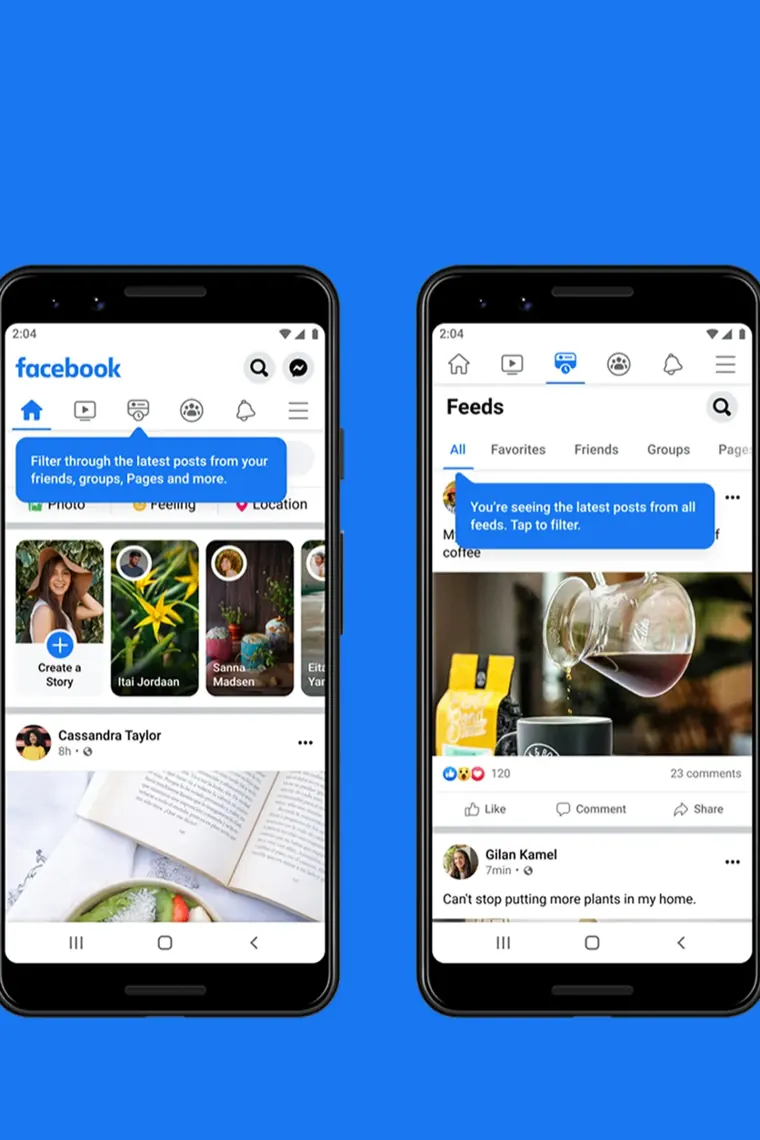
Convert Facebook audio on iPhone, Android, Windows and Mac with nothing to install
Facebook keeps the sound inside the video, so most sites send you off to a second converter. We pull the audio out on our side and hand you a finished MP3.
No separate converter, no desktop software. Paste the link and the MP3 starts arriving while it is still being made.
The track is encoded at 192 kbps, above the roughly 128 kbps Facebook itself stores, so nothing audible is lost on the way out.
Every resolution Facebook has, up to 1080p, sits in the same list. Take the MP3, the MP4, or both.
The converter reads the public video only. It never asks for your Facebook email or password, and nothing is shared to your timeline.
The MP3 is encoded as it streams to you and is never saved on our server. The temporary download link expires after three hours.
Want the sound exactly as Facebook stores it? The Audio only row gives you the untouched track, usually an M4A file, with no conversion at all.
Which audio file to pick, what a Reel MP3 actually contains, where it lands on your phone, and why the MP3 row is sometimes missing.
MP3 audio is re-encoded at 192 kbps and plays on nearly anything, from car stereos to old MP3 players. Audio only is Facebook's own AAC track, smaller and untouched.
You get the Reel's full sound track as it plays: music, voice-over and background noise mixed together. The parts cannot be split apart, because Facebook stores them as one track.
Each MP3 covers up to two hours of sound. At 192 kbps, expect roughly 1.4 MB per minute. The size is not shown up front, because the file is made as it downloads.
The MP3 goes into Downloads, where music apps and the Files app pick it up. Some players need a minute to rescan before the new track appears.
Safari saves the MP3 in the Files app under Downloads. Tap it to play it there, or tap Share to open it in another audio app.
The MP3 option only appears when the video has a sound track. A silent clip lists video rows only. If a video with sound shows none, paste the link again.
This FB MP3 downloader is the same tool as our Facebook video downloader, with the audio rows placed first. Use that page when you mostly want the MP4.
Curious how the sound is pulled out of a video, and which bitrate makes sense? Read how to keep only the sound of a video as MP3.
Three taps take you from a Facebook post to an MP3 file, the same on a phone or a laptop.
In the Facebook app, open the video or Reel, tap Share and pick Copy link. In a desktop browser, open the video by itself and copy the URL from the address bar.
Drop the link into the converter above and press Download. The results list MP3 audio at 192 kbps, the original audio track and each video quality.
Press Download on the MP3 audio row. Android keeps the file in Downloads, and on iPhone it appears in Files.
Facebook stores sound separately from the picture, which is why some tools hand you a silent file. Here is what to expect.
Facebook stores audio as AAC at around 128 kbps. We encode to 192 kbps MP3, so the file keeps everything the source has. No converter can add what was never recorded.
A recording up to two hours long converts in one go. The MP3 starts downloading while it is being made, so there is no progress bar to watch.
A ten-second Reel converts in a moment. Paste its link exactly as you would a normal video.
The same list gives you 1080p, 720p and smaller files. Our Facebook video downloader is the same tool with the video in front.
Answers about turning Facebook videos and Reels into MP3. If yours is not covered, send us a note and a person will write back.
Yes, and you do not need an app, extension or account. Everything runs in your browser and on our server. Ads on the page pay for it.
192 kbps. Facebook stores its audio as AAC at around 128 kbps, so 192 kbps keeps everything the source has.
Yes. Paste the Reel link the same way as a normal video and press Download on the MP3 audio row.
Each MP3 covers up to two hours of sound, and anything longer is cut at that mark. The file starts downloading right away and finishes as it arrives.
No. The converter sees only what a logged-out visitor sees. Audio from private profiles, closed groups and friends-only posts stays out of reach.
On Android, in the Downloads folder, where music players and file apps find it. On iPhone and iPad, Safari saves it in the Files app, inside Downloads.
Keeping sound you recorded yourself, audio you have permission to use, or a track for private listening is generally fine. Most music on Facebook is licensed, so re-uploading it or using it commercially can break copyright law and Facebook's terms.
Paste the video link above, press Download, then tap Download on the MP3 audio row. The audio is encoded while it streams, so nothing is stored and the file starts in seconds.
MP3 audio is re-encoded at 192 kbps and plays on almost anything. Audio only is Facebook's original track, usually an M4A file, untouched and a little smaller.
The MP3 row only appears when the video has a sound track. Silent clips have no audio to extract, so only the video rows are listed. If a video with sound shows no MP3 row, paste the link again.