Every quality on offer
The list shows up to five resolutions Facebook keeps for that video, from small 360p files to 1080p HD, with the file size where Facebook reports it. Nothing is upscaled.

Paste a public Facebook video or Reel link and save it as an MP4 with sound, up to 1080p when the upload has it. A ten-second Reel or a full-length video, it works the same way.
Public videos and Reels only. Your Facebook login is never needed.
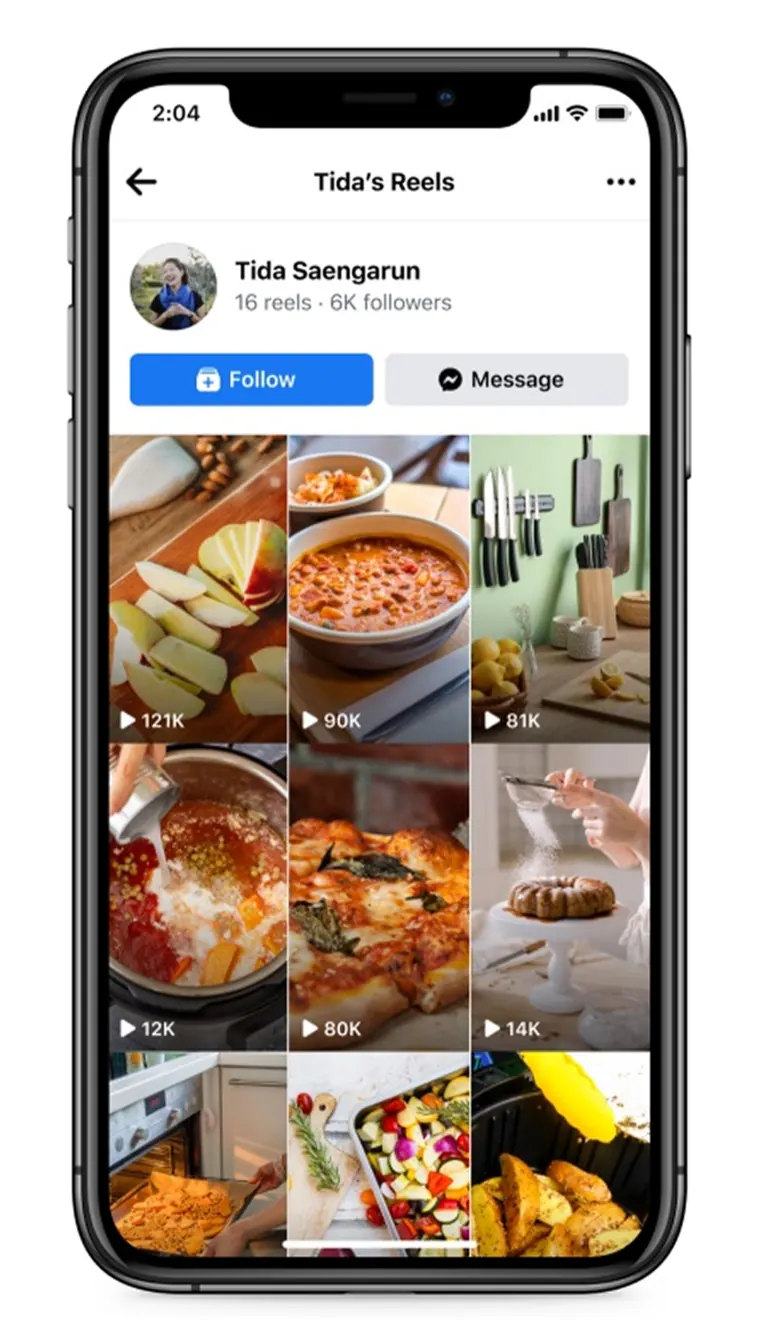
Save Facebook videos on iPhone, Android, Windows and Mac from any browser
Most FB video download sites hand you a silent file, a 360p copy, or three fake Download buttons before the real one. This one reads every quality Facebook serves and gives you a file with the sound already in it.
The list shows up to five resolutions Facebook keeps for that video, from small 360p files to 1080p HD, with the file size where Facebook reports it. Nothing is upscaled.
HD Facebook videos are often stored as a silent picture track plus a separate audio track. We merge the two on the way to you, so the MP4 plays with sound.
Only the public video page is read. You are never asked for a Facebook email, phone number or password, and nothing is posted to your profile.
Each result is labelled Reel, Video or Long video with its running time, and hour-long files begin saving the moment you tap Download.
Tap the thumbnail to play the video right on this page, so you can check it is the right clip before the download starts.
The MP4 streams through to your device and is never stored with us. The download links we create expire after three hours.
What you get when you save a Facebook video, where the file ends up on each device, and how to fix the errors people run into most.
Copy the link of the video or Reel itself. Links from facebook.com, m.facebook.com and fb.watch all work. A link to a Page, a profile or a playlist does not point to one video, so it is refused.
An MP4 named after the video title, for example the-title-720p.mp4. Below the video rows you also get the original audio track and an MP3 at 192 kbps.
Chrome puts the MP4 in Downloads, and Gallery or Google Photos lists it shortly after. If it does not show up, open the Files app and look under Downloads.
Safari saves the video to Files, inside Downloads. Open it and tap Share, then Save Video. If it will not play, go back and pick the row tagged Plays on iPhone.
Windows and Mac browsers save to the Downloads folder. To choose another folder, right-click the Download button and pick Save link as.
A friends-only or deleted post cannot be read. A live broadcast can be saved once it ends. If a download says the link has expired, paste the video link again for a fresh one.
Need the soundtrack and not the picture? The Facebook video to MP3 converter puts the 192 kbps MP3 at the top of the list.
Saved a video and cannot find it? See where downloaded videos go on Android and iPhone for the exact folder on each phone.
Copy the link, paste it here, pick a quality. The whole FB video download takes a few seconds on a phone or a laptop.
Tap Share under the video or Reel in the Facebook app, then Copy link. On a desktop, click the date under the post to open the video on its own and copy the address.
Paste the link into the downloader above and press Download. A preview appears with every MP4 resolution that video has.
Tap Download next to 1080p HD, 720p HD or a lighter file. The audio rows at the bottom are there if you only need the sound.
Facebook stores different kinds of video in different ways. Here is what to expect from each.
Reels are vertical and usually short. You get the tallest version Facebook has, often 1080 × 1920, with the soundtrack joined in.
A full episode or stream replay starts downloading at once. There is no progress bar, because the file is joined as it travels, so let it run to the end.
1080p to keep, 720p for watching offline, 360p when mobile data is tight. When a row is tagged Plays on iPhone, that is the safest choice for older iPhones.
A video shared with friends, a closed group or a private profile needs a login to watch, so our server cannot open it. Once it is set to Public, it works.
Straight answers about saving FB videos and Reels. Stuck on something else? Send us the link and a person will look at it.
Yes. No paid plan, no trial and no account to create. Ads on the page cover the costs. If one connection pastes a lot of links in an hour, it is asked to wait a little.
Yes. Paste the Reel link as you would any video. Reels save as vertical MP4 files, usually 1080 × 1920 when the creator uploaded in HD.
Facebook keeps the picture and the sound of many videos in separate files. A tool that grabs only the picture file hands you a silent clip. We join the two while you download.
No. The downloader sees Facebook the way a logged-out visitor does. Videos on private profiles, in closed groups or shared with friends only stay out of reach, by design.
Every resolution Facebook keeps for that video, up to 1080p HD. The MP4 is the file Facebook serves, with no watermark added and no re-encoding, so a video uploaded in 720p tops out at 720p.
Usually, yes. Some Facebook HD files use the VP9 codec, which older iPhones and the Photos app handle poorly. When that happens, the list tags the H.264 file as Plays on iPhone, so pick that one.
Usually the post is private or friends-only, the link points to a profile or Page instead of the video, or the download link expired after a few hours. Paste the video's own link again to get a fresh one.
Keeping your own uploads, videos the owner lets you use, or a copy to watch offline is generally fine. Re-posting someone else's video or using it commercially without permission can break copyright law and Facebook's terms. Our guide to downloading videos legally covers the details.
Yes. Under the MP4 rows there is an MP3 at 192 kbps and the original audio track. Tap Download on either one to keep just the sound.
Only after the broadcast ends. While it is live there is no finished file to save. Once the replay is posted, paste its link like any other video.