Video posts
Videos shared as normal posts, with /p/ in the link, download as MP4.

Paste any public Instagram video link and save it as an MP4 with sound, in the best quality the post has. Videos in posts, Reels and IGTV all work.
Works with /p/, /reel/ and /tv/ links from public accounts. No Instagram login needed.
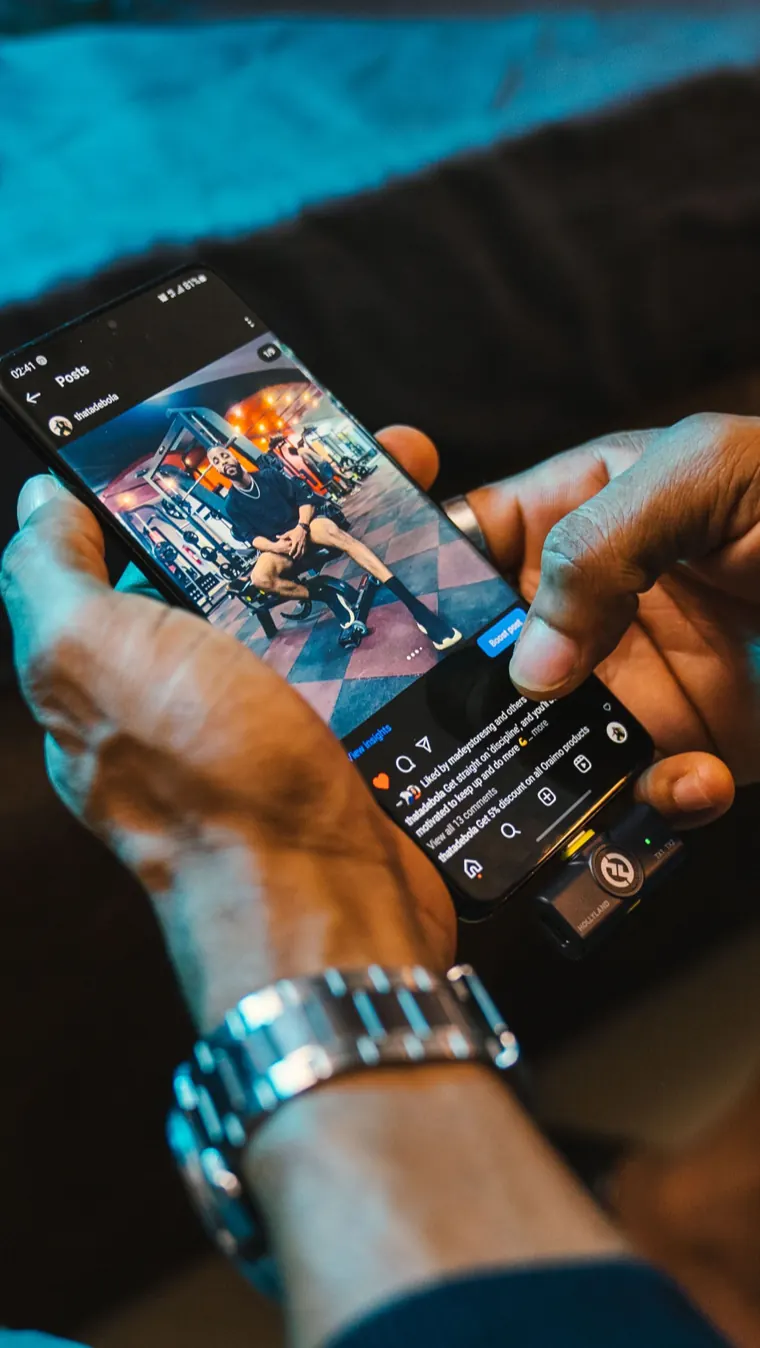
Save Instagram videos on iPhone, Android, Windows or Mac, right in the browser
Instagram hides videos in three places: posts, Reels and IGTV. One box handles all of them, and gives you the file Instagram actually plays.
Videos shared as normal posts, with /p/ in the link, download as MP4.
Links with /reel/ or /tv/ work in the same box, no separate tool needed.
Any video with an audio track gets an MP3 button next to Download, so you can keep the soundtrack at 192 kbps.
The downloader reads the same public page a logged-out visitor sees. You never type a username or password here, because nothing on the page asks for one.
The video reaches you exactly as Instagram serves it. No logo of ours on the frame, and no second pass through an encoder.
There are no credits to top up and no sign-up screen after the fifth clip. Only a very large burst of links from one connection gets paused for an hour.
What this IG video downloader hands you, how to find the file afterwards, and what to do when a link will not load.
It is the file Instagram plays in its own app, with picture and sound together. The result card shows the frame size, such as 1080 × 1920, before you save anything. Tap the thumbnail to play a preview and check it is the right clip.
Instagram fixes the resolution when a video is uploaded, usually 720p or 1080p, and you get the largest copy it keeps. A clip uploaded small cannot be made sharper. The guide to Instagram video quality explains why some videos look soft.
Each file is named after the account and the post code, for example username-ABC123.mp4. A video from a multi-slide post gets a number on the end, so nothing overwrites anything else.
Safari puts the MP4 in Files, under Downloads. Open it, tap Share and choose Save Video to move it into the Photos app. The steps are the same on an iPad.
Chrome and Edge save to the Downloads folder. On Android the video shows up in Gallery after a moment. Lost it? See where downloaded files go on each device.
“We could not read that post” means the video is private, deleted, or its owner blocks embedding. A card marked No sound was uploaded without audio, so it has no MP3 button.
Three steps take you from the Instagram app to an MP4 on your phone or computer.
In the Instagram app, tap the share icon under the video and choose Copy link. On a computer, copy the address bar.
Put the /p/, /reel/ or /tv/ link in the box at the top of this page and press Download. A card with the video's size and a preview appears.
Tap Download for the MP4, or MP3 to keep only the audio. The file lands in Downloads on Android and in the Files app on iPhone.
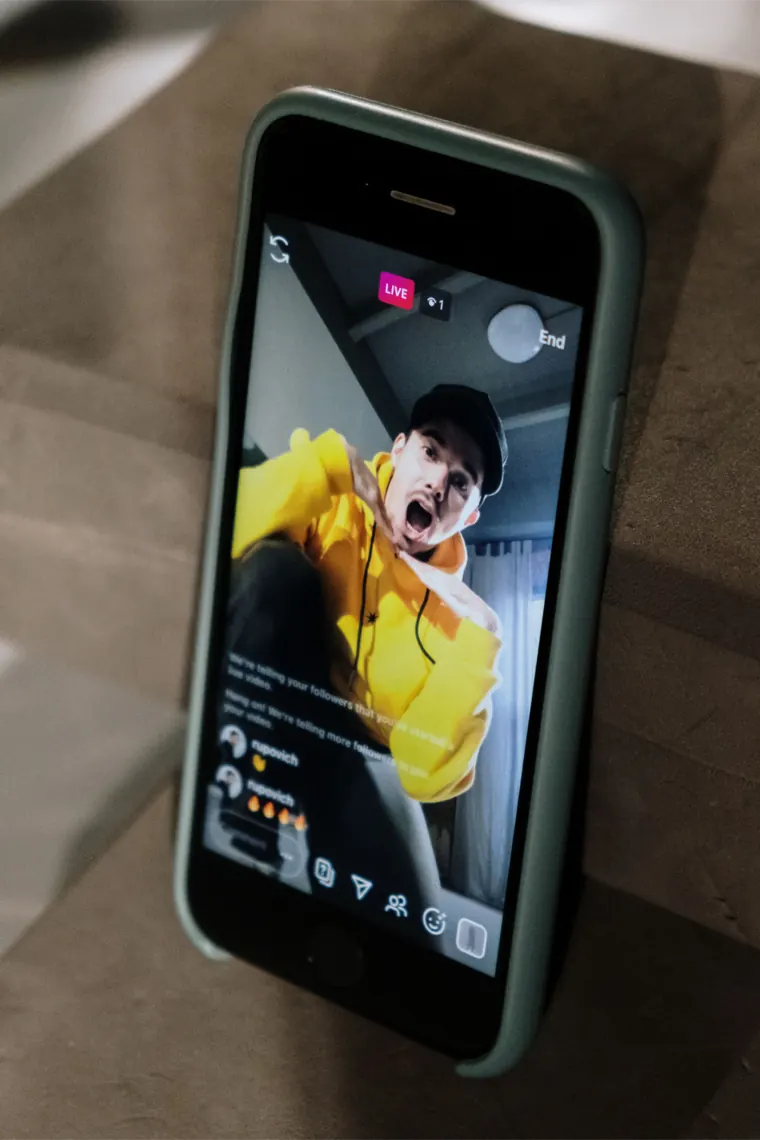
The same tool, three kinds of video.
The most common kind: a video shared in the feed. Its link contains /p/.
Short vertical videos. The Instagram Reels downloader on the home page is built for them.
Older long videos. Instagram now plays them like any other video, and the IGTV downloader covers them.
If a video only plays for followers, it will not load here either. The downloader works with videos from public accounts.
Short answers about quality, sound and saving Instagram videos as MP4. If your question is missing, write to us.
Yes. Saving Instagram videos here costs nothing. There is no trial, no premium tier and no cap on how many MP4s you take.
Any public video: videos in posts, Reels and IGTV. Paste the link and the MP4 is ready.
Yes, when the video was uploaded in 1080p. You always get the highest resolution Instagram stores for that clip, usually 720p or 1080p, and we never re-encode it.
There is nothing to convert. Instagram already stores its videos as MP4, so the file you save is that MP4, with picture and sound together.
Yes. The MP3 button next to Download saves the soundtrack at 192 kbps. Videos uploaded without sound are marked No sound and have no MP3 button.
Yes. We pass the original file through untouched, so nothing of ours is stamped on it. Any handle you see in the frame was added by the creator before uploading.
Instagram only shows those videos to approved followers who are signed in. We never sign in, so a private account's videos stay out of reach, by design.
The video is private, has been deleted, or its owner has turned off embedding. Open the link in a private browser window: if the video does not play there, it will not download here either.
Android keeps the MP4 in Downloads and shows it in Gallery soon after. On iPhone, Safari saves it to Files → Downloads; open it, tap Share and choose Save Video to move it to Photos.
Only if it is yours or the creator has agreed. Keeping a copy to watch offline is one thing; re-uploading someone else's video or using it in an ad can break copyright law and Instagram's terms.