Every page listed
A ten-page Idea Pin shows ten cards, in the same order as on Pinterest.

Paste a Pinterest Idea Pin link and save every page of it: videos as MP4 with sound, pictures in full size, one by one or all at once.
Paste a public Idea Pin or Story Pin link. Your Pinterest account is never needed.
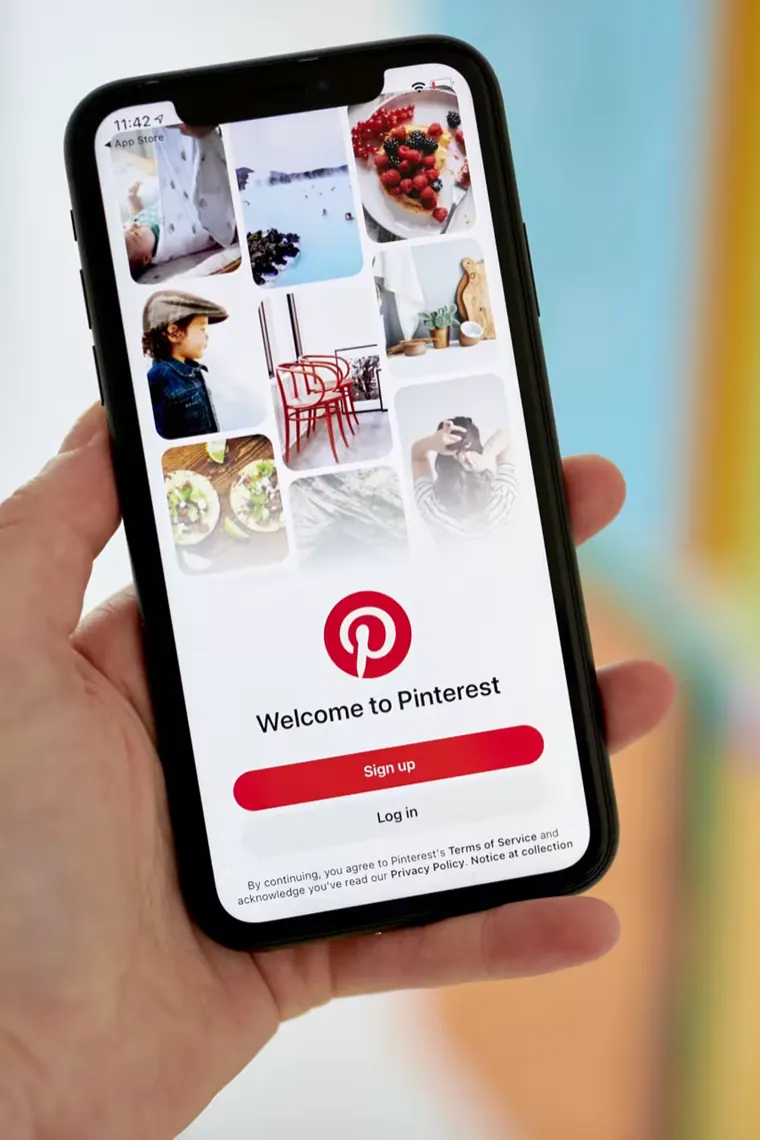
Idea Pins save the same way on a phone or a computer
Idea Pins, once called Story Pins, can hold many pages of video and pictures. Most tools grab only the cover. This lists every page.
A ten-page Idea Pin shows ten cards, in the same order as on Pinterest.
Idea Pin videos are stored as separate picture and sound streams. We join them into one MP4.
One button saves each page in turn, named after the pin and numbered, so the pages stay in order in your folder.
The Idea Pin link is all the tool reads. There is no Pinterest sign-in box on this page, and public pins do not need one.
Each video page carries its own MP3 button, handy when the voice-over talks you through a recipe or a craft step.
Idea Pin pages stream through to your device and are never saved on our server. With no accounts here, there is no profile of you either.
An Idea Pin is not one file. It is a stack of pages, and each page is either a short video or a still picture. Here is what happens to each kind when you paste the link.
Pinterest streams Idea Pin video in small pieces, with the picture and the sound kept apart. That is why a screen recording or a quick save from the app often gives you a silent or blurry clip. This Pinterest Idea Pin downloader fetches both streams at the best size offered and joins them into a single MP4 as it downloads. If you only need the narration or the music, press MP3 on that page instead.
Picture pages come out at the largest size Pinterest keeps for them, in the format it stores: usually JPG, sometimes PNG or WebP. The width and height sit on each card before you save, so you can see what you are getting.
A Pinterest Story Pin download works the same way, because Story Pin is the old name for this format. Links shared years ago still load as long as the pin is public. If a pin.it short link has expired, open the pin on Pinterest and copy a fresh one.
For a pin that is a single photo rather than a set of pages, the Pinterest image downloader saves it in original size in one tap. For a single video pin, use the Pinterest video downloader.
Three steps from a multi-page Idea Pin to files on your device.
Open the Idea Pin in the Pinterest app, tap Share and pick Copy link. The pin.it short link the app gives you is fine, and so is the full address from a desktop browser.
Paste the Idea Pin link above and press Download. Each video page and picture page gets a card of its own, in the order the creator made them.
Tap Download on the pages you want, or Download all for the full set. Your browser may ask once whether this site can save multiple files.
Pinterest has renamed and reworked this format more than once. Here is how that affects your download.
Story Pin was the original name. Pinterest later called them Idea Pins, and links from either era load here.
One Idea Pin can mix video pages with picture pages. Videos save as MP4, pictures as the image file Pinterest stores.
If the pin is one ordinary video rather than a set of pages, the Pinterest video downloader gets you there with fewer steps.
Only Idea Pins that open without logging in will load. One kept on a secret board, or removed by its creator, returns an error.
Short answers about saving Idea Pin pages. If your question is missing, write to us and a person will reply.
Yes. Every video and picture page is listed in order, each with its own Download button.
Yes. The picture and sound streams are joined into one MP4 while it downloads.
Idea Pin video keeps picture and sound in separate streams. The preview plays the picture stream alone so it loads quickly. The Download button joins both, so the MP4 you save has sound.
Yes. Pinterest renamed Story Pins to Idea Pins, and links to both work.
Yes. Skip Download all and tap Download only on the picture pages. Each image saves at the largest size Pinterest keeps, with its width and height shown on the card.
A board lists each Idea Pin by its first page only. Tap Open pin on that card, or paste the Idea Pin's own link here, to get every page.
It works through the pages from first to last, starting each download a little over a second after the previous one. Chrome and Safari may ask once whether this site can download multiple files.
No. The tool only sees Idea Pins that load for someone who is not logged in. Pins on secret boards and deleted pins return an error instead.
Android puts each page in Downloads, and the photos and videos appear in Gallery soon after. On iPhone, Safari saves them to Files under Downloads; open one and use Share to move it into Photos.
Only if it is yours or the creator has agreed. Keeping the pages for personal reference is the usual use. Posting someone else's Idea Pin as your own, or using it in paid work, can break copyright law and Pinterest's terms.