How to save an Instagram photo in full size
Screenshots crop and soften the picture. Here is how to get the file Instagram actually stores.

The download finished, the phone said nothing useful, and now the file is nowhere. It is there. Android and iPhone simply put it in different places, and iPhone needs one extra tap before a video shows up in Photos.
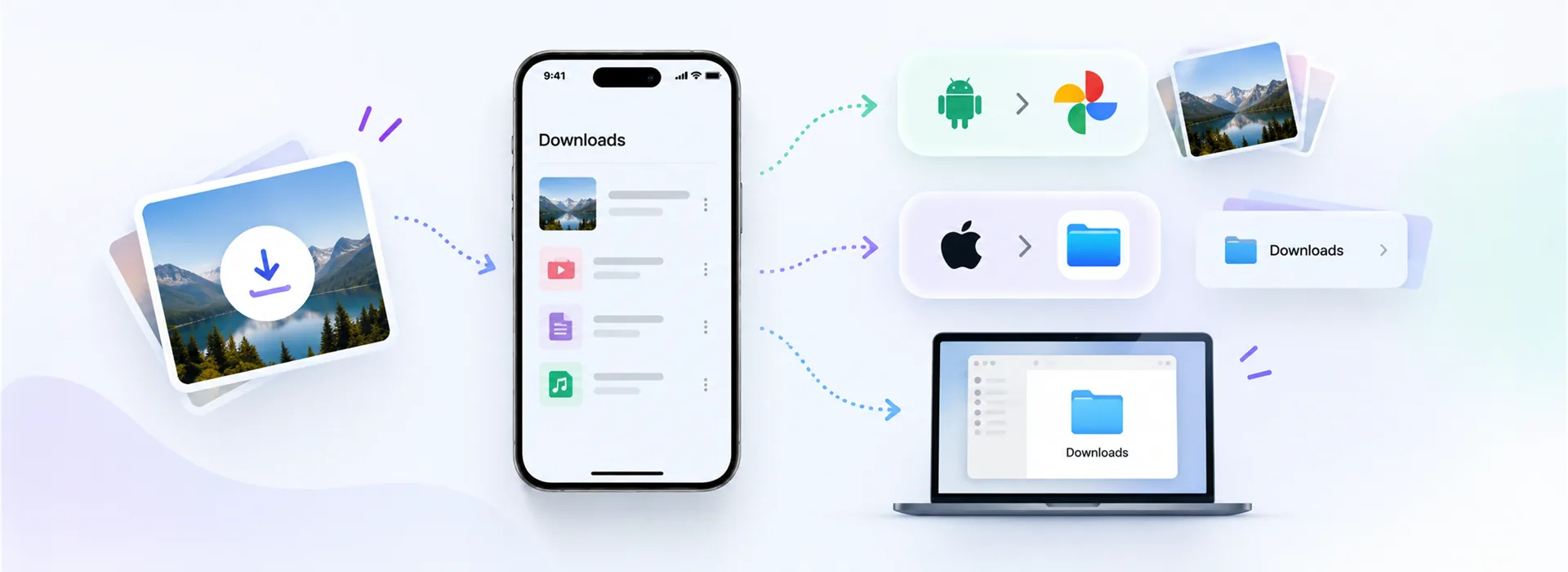
Short answer: Android puts it in Downloads and it appears in the Gallery a moment later. iPhone puts it in the Files app under Downloads, and it only joins Photos after you tap Share → Save Video or Save Image.
Chrome, Samsung Internet and Firefox all save to the same place: the phone's Downloads folder. Two quick ways to open it:
Photos and videos in that folder are picked up by the media scanner and show up in your Gallery, usually within a few seconds. If a video is in Downloads but missing from the Gallery, the scanner has not run yet. Reopening the Gallery, or restarting the phone once, settles it.
Safari never writes straight into Photos. It saves into Files → On My iPhone → Downloads, and shows a small blue arrow in the address bar while it does. Tap that arrow, then the file, to open it.
Go to Browse, then Downloads. The newest file is at the top when you sort by date.
Open the file and tap the share icon in the bottom corner.
That is the step that moves it into the Photos app. Until then it lives only in Files.
If you changed Safari's download location to iCloud Drive, the file is in iCloud Drive's Downloads folder instead. You can change it back under Settings → Apps → Safari → Downloads.
Every desktop browser uses the system Downloads folder unless you told it otherwise. The fastest route is the browser's own download list: Ctrl + J on Windows and Linux, Cmd + Shift + J in Chrome on a Mac. From there, Show in folder takes you to the file itself.
Four things account for nearly every missing download.
Downloads folders turn into a dumping ground fast. Two habits help: rename a file right after saving it, while you still know what it was, and move keepers into an album or folder the same day.
Our downloads already carry a useful name, built from the account and the post code, so the file is identifiable even a month later.
Because Safari saves to the Files app, not Photos. Open it in Files → Downloads, tap Share and choose Save Video to move it across.
In the phone's Downloads folder. Media files are picked up by the Gallery a few seconds later.
Yes. In Chrome, under Settings → Downloads; in Safari on iPhone, under Settings → Apps → Safari → Downloads, where you can pick iPhone storage or iCloud Drive.
Usually storage, or a media link that expired mid-transfer. Free some space, paste the post link again to get a fresh link, and download once more.
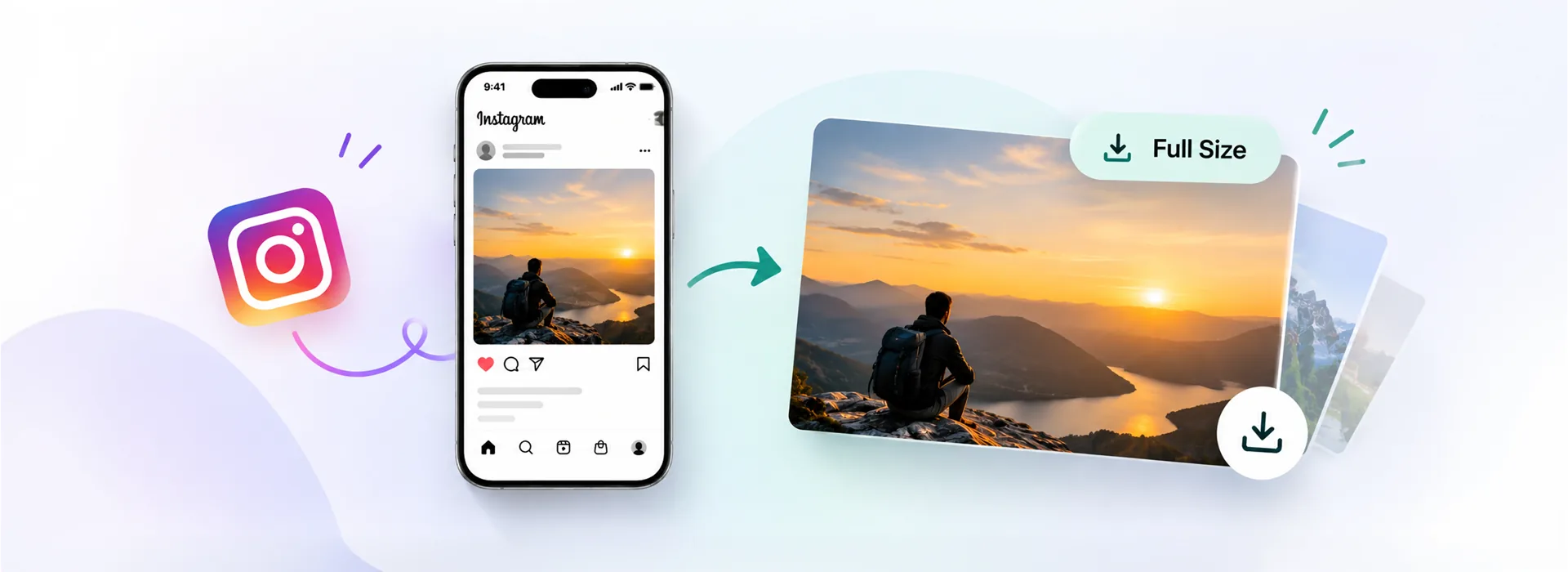
Screenshots crop and soften the picture. Here is how to get the file Instagram actually stores.
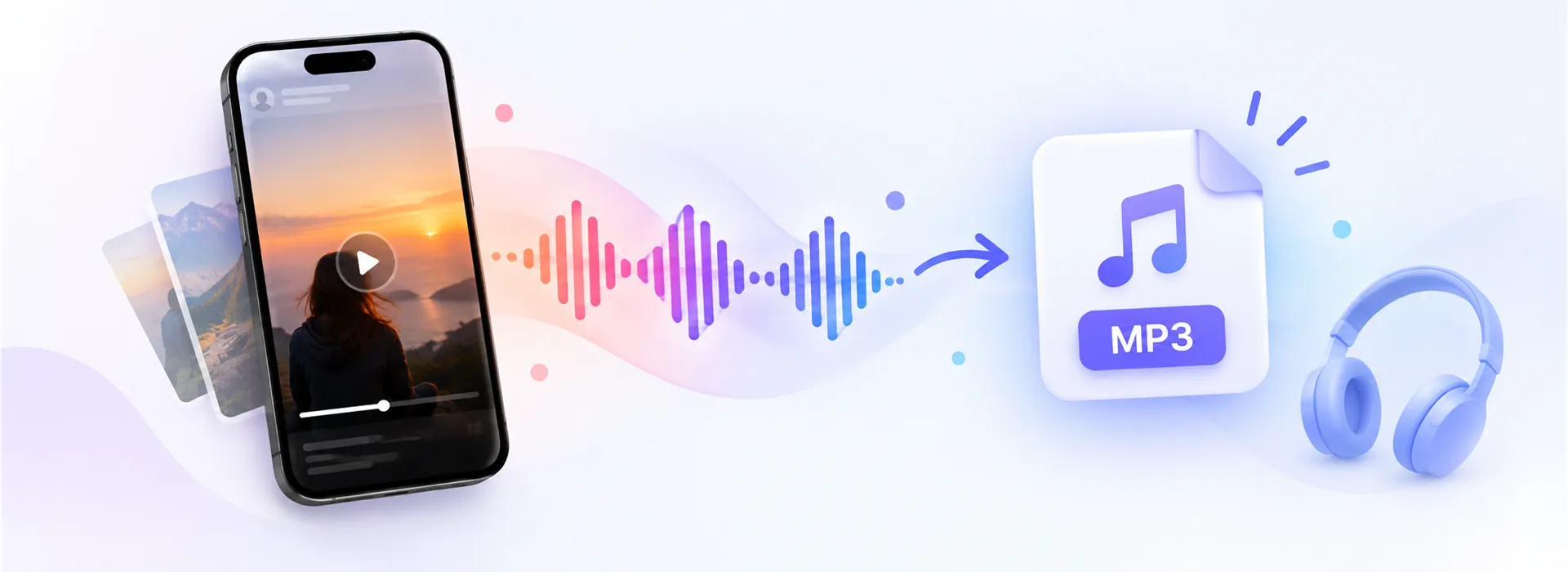
Pulling the audio out of a Reel or a pin, what bitrate is enough, and why some clips are silent.

Pinterest splits picture and sound into two streams. Here is what that means and how to get both.