Why Pinterest videos download without sound
Pinterest splits picture and sound into two streams. Here is what that means and how to get both.

Sometimes the video is not the point: it is the song, the voice-over or the recipe narration. An MP3 is smaller, plays anywhere and works offline, and pulling one out takes the same three steps as any download.
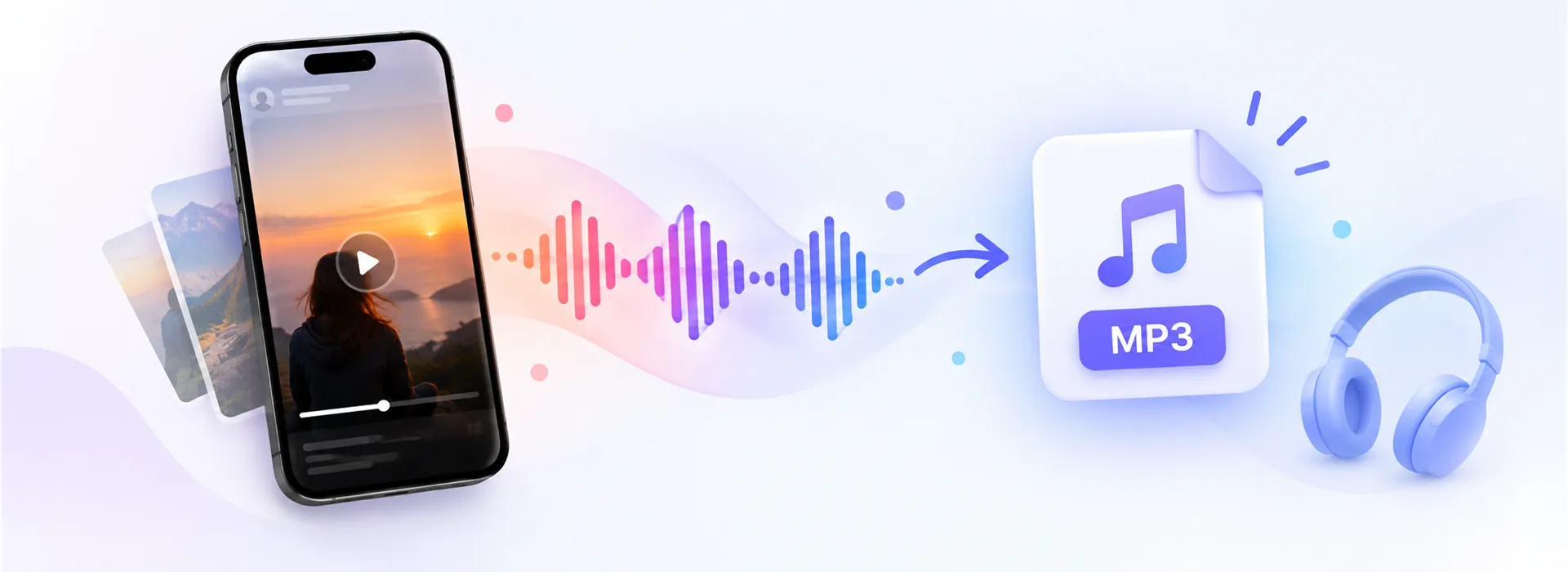
Short answer: paste the link, then press MP3 instead of Download. The sound is converted at 192 kbps while it transfers, so nothing is stored on the way. Reels to MP3, Pinterest to MP3 and Facebook to MP3 all work the same way.
Every result card that contains sound shows an MP3 button next to Download. There is nothing else to set.
Use the app's share menu and choose Copy link, or copy the address from a browser.
The page reads the post and shows the video with its buttons.
The conversion happens as the file streams, so a one-minute clip is ready in a few seconds.
Short answer: yes, comfortably. The audio inside a social video is usually AAC at somewhere between 64 and 128 kbps, because platforms compress hard for streaming. Converting that to a 192 kbps MP3 keeps everything the source had, with headroom to spare.
Going higher would not add quality. You cannot rebuild detail that the platform already discarded; a 320 kbps MP3 made from a 96 kbps source is simply a larger file of the same sound. What you would notice is the size: roughly 1.4 MB a minute at 192 kbps against 2.4 MB at 320.
Some clips are genuinely silent, and no tool can add audio that was never recorded. This is common in two places.
Pinterest keeps the picture and the sound of a video as two separate streams. That is why so many Pinterest downloads come back silent: the tool grabbed the video part and stopped there.
For the MP4 we join both streams while the file downloads, and for the MP3 we take the audio stream on its own. Either way the sound is really there. The Pinterest sound guide goes through the detail.
Three uses cover most of it: keeping a song to identify later, saving a voice-over or a recipe to listen to while cooking, and archiving your own narration from a clip you posted. All three are fine for personal use. Re-publishing someone else's audio as your own is not, and that line is worth respecting.
192 kbps, made from the best audio the platform serves for that post. That is more than the source needs, so nothing is lost in the conversion.
Because that video has no audio track. We check before showing the button, so you do not end up with an empty file.
Yes. Each video page of the pin gets its own MP3 button.
No. The conversion happens while the file streams to your device, and nothing is written to disk.
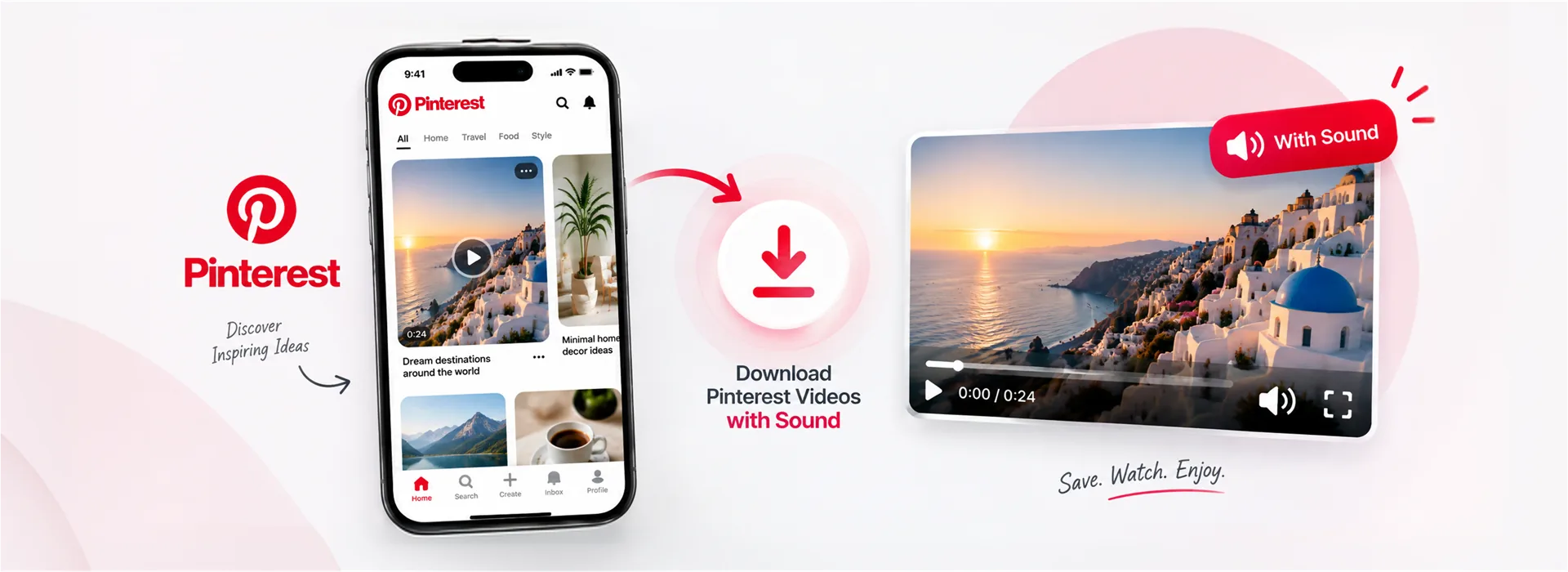
Pinterest splits picture and sound into two streams. Here is what that means and how to get both.
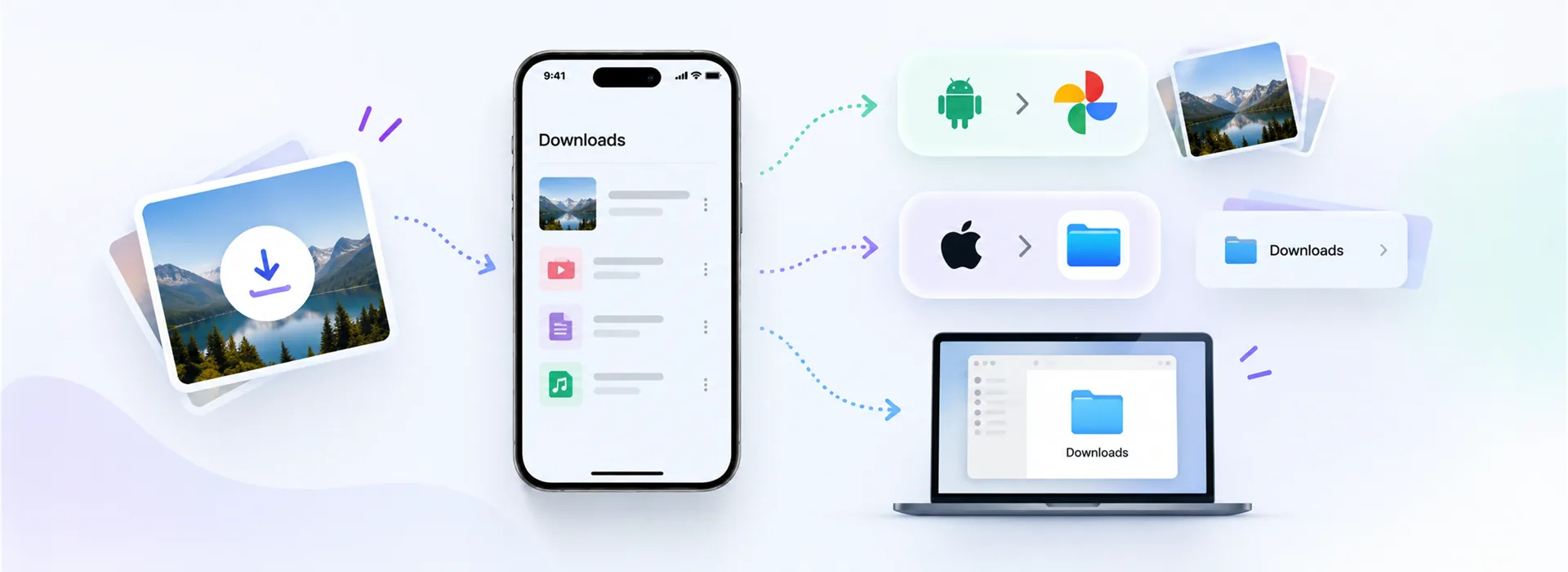
Downloads on Android, the Files app on iPhone, and how to get a saved video into your Gallery.
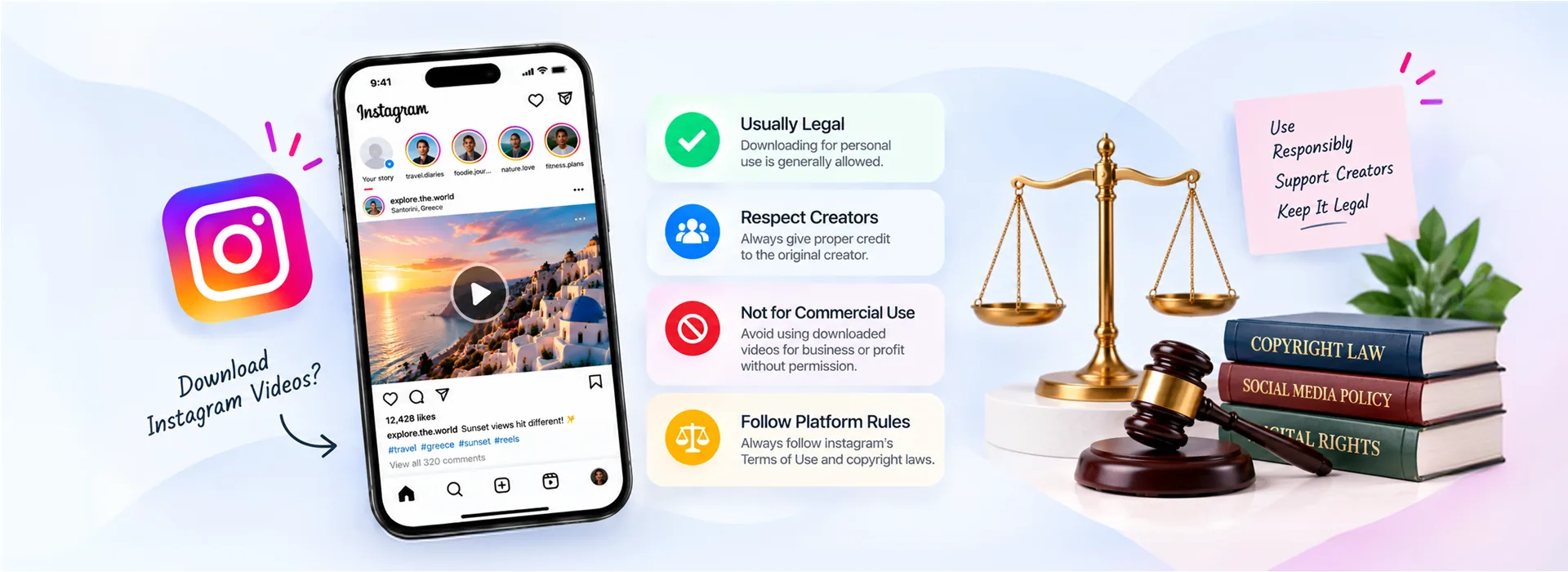
Personal use, copyright and platform rules, and the line that actually matters in practice.