How to save an Instagram photo in full size
Screenshots crop and soften the picture. Here is how to get the file Instagram actually stores.

You upload a sharp clip and it comes back soft. Nothing is broken: the platform re-encodes every video it receives, and a few upload habits decide how much damage that does.
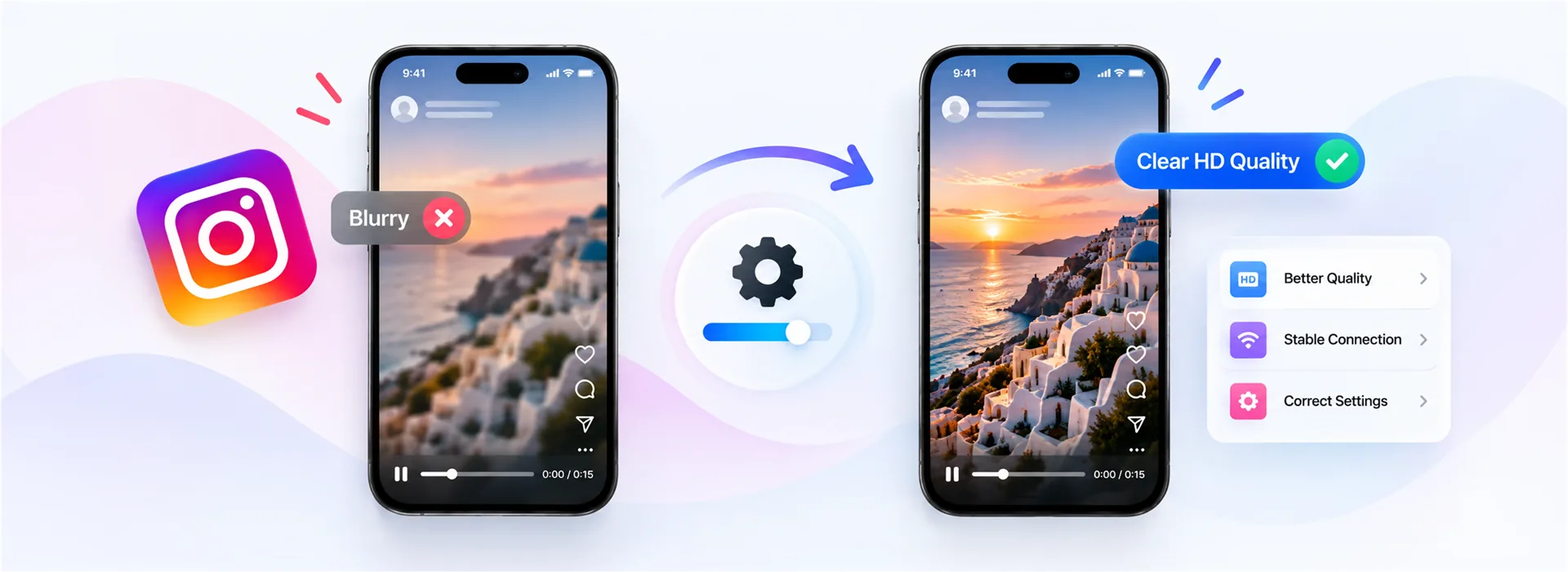
Short answer: Instagram re-encodes uploads and caps them at 1080 pixels on the long edge. Film in 1080p rather than 4K, keep the clip well lit and steady, upload on Wi-Fi, and never post a video that has already been through another platform.
Whatever you upload, the platform makes its own copies for playback. In our tests the largest rendition served for Reels and video posts is 1080 × 1920, with 720 × 1280 and smaller versions generated for slower connections. A 4K upload does not become a 4K Reel; it becomes a 1080p Reel that had to be shrunk hard on the way.
That is why so much advice about uploading at the highest possible resolution backfires. The more the platform has to downscale and re-compress, the more detail it throws away in the process.
None of these are secret settings; they are simply the choices that give the encoder an easier job.
Match the target. There is no prize for handing over 4K that will be thrown away, and 30 fps compresses better than 60 for most content.
Good light removes noise, and less noise means the encoder can spend its budget on detail.
Send the file straight from the camera roll rather than a copy that has been through a chat app or another platform.
On Instagram, also turn on the high-quality upload option in Settings → Data usage and media quality. It only applies on a good connection, which is another reason to upload on Wi-Fi.
A downloader cannot restore anything: it hands you the file the platform stores, exactly as it is. If the Reel is soft in the app, the MP4 will be soft too, because it is the same video.
What a good download does avoid is a second round of damage. We never re-encode, which also means we never add a watermark, since burning a logo into a frame requires re-encoding the whole video. Tools that stamp their name on your download are lowering the quality to do it.
On a computer, right-click the file and open its properties or Get Info to see the resolution. On a phone, the Photos app shows it in the details panel for the video. If it reads 1080 × 1920, you have the best copy the platform holds.
Compare on a large screen too. Phone displays sharpen what they show, so a video always looks better in the app than the file deserves, and worse on a laptop than you expected.
Yes. Every upload is re-encoded and capped at 1080 pixels on the long edge, with lower renditions generated for slower connections.
No. It will be downscaled anyway, and hard downscaling of a heavily compressed 4K file usually looks worse than a clean 1080p upload.
No tool can add detail the platform discarded. What it can do is not make things worse: no re-encoding and no watermark.
Because you are comparing an untouched camera file with a compressed 1080p copy. Good light, steady framing and a 1080p source narrow the gap.
Screenshots crop and soften the picture. Here is how to get the file Instagram actually stores.
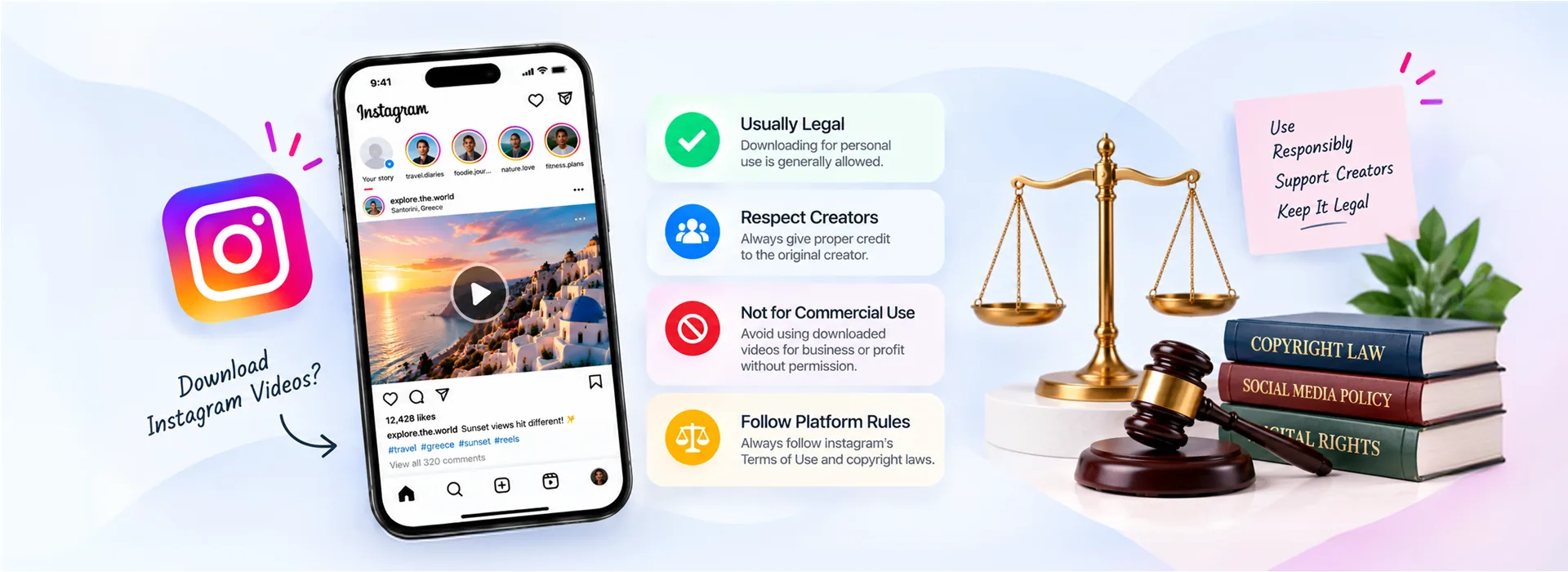
Personal use, copyright and platform rules, and the line that actually matters in practice.
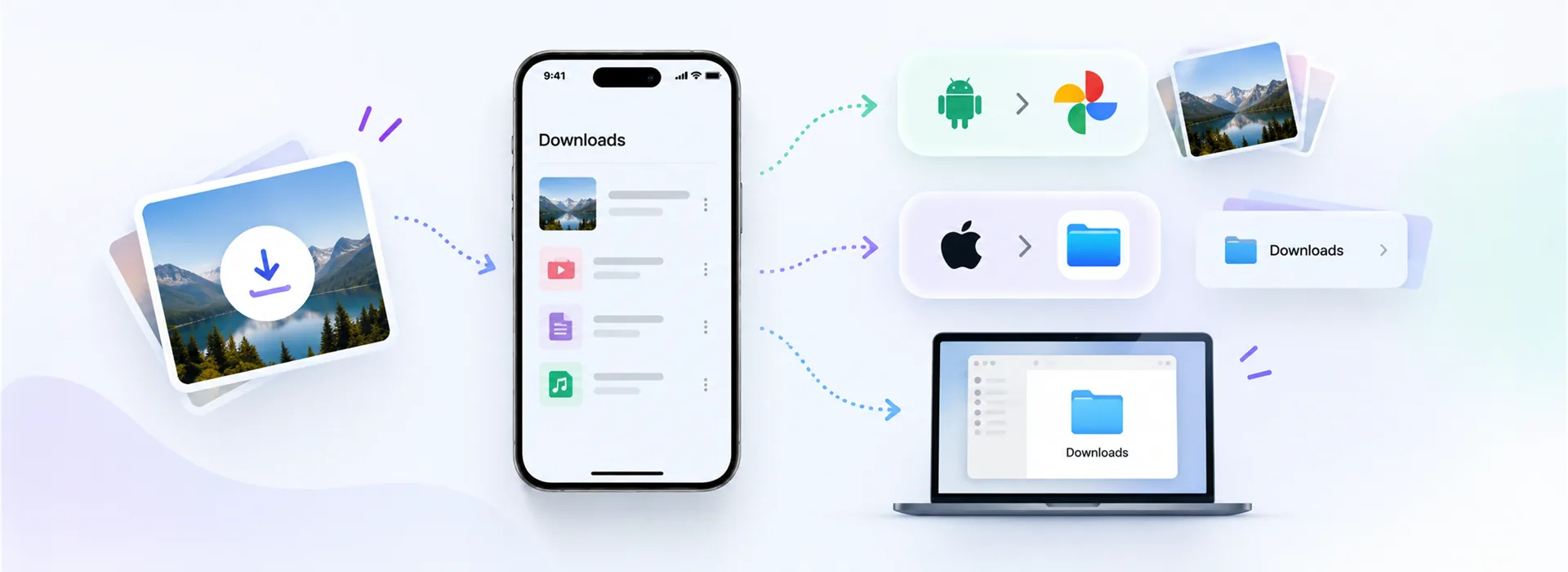
Downloads on Android, the Files app on iPhone, and how to get a saved video into your Gallery.