Where downloaded videos and photos go on your phone
Downloads on Android, the Files app on iPhone, and how to get a saved video into your Gallery.

A screenshot gives you what your screen shows: cropped edges, the app's overlay and whatever quality your display had. The original file is bigger and cleaner, and you can have it in a few seconds.
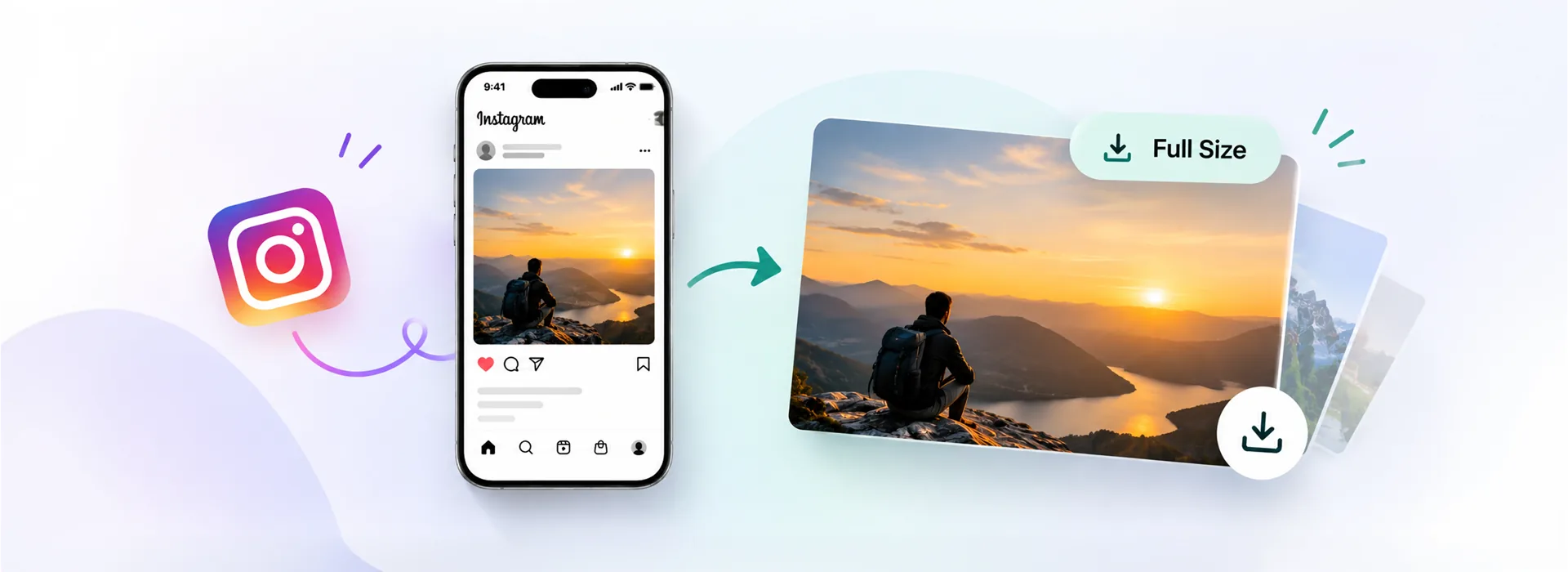
Short answer: copy the post link, paste it into the Instagram photo downloader and press Download. You get the original JPG, usually 1080 or 1440 pixels wide, with nothing cropped and no watermark added.
When you upload a picture, Instagram re-saves it at a fixed width and throws the rest away. In our own tests across hundreds of public posts, the largest file the platform serves is 1080 pixels wide for most posts and 1440 pixels for some, with the height following the aspect ratio: 1080 × 1350 for a 4:5 portrait, 1080 × 1080 for a square, 1440 × 1800 for the larger variant.
That is the ceiling. Uploading a 6000-pixel photo from a camera does not get you a 6000-pixel file back; it gets you the same 1080 or 1440 copy that everyone else sees. So the goal is not to find a magic high-resolution version, it is to get that stored file untouched instead of a re-photographed version of it.
A screenshot loses on all three counts. It is limited to your screen's resolution, it includes the app's buttons unless you crop, and cropping shrinks it further. On a 6.1-inch phone a screenshot of a 4:5 photo is roughly 828 × 1035 after cropping, against 1080 × 1350 for the real file.
The link is the only thing you need. It works the same in the app and in a browser.
In the Instagram app, tap the share icon under the post and choose Copy link. On a computer, open the post and copy the address from the browser bar.
Open the photo downloader, paste the link and press Download. Every picture in the post is listed.
Tap Download under the picture you want. Android saves to Downloads and it shows in your Gallery; iPhone puts it in the Files app, where Share → Save Image moves it into Photos.
A carousel is a single post that holds up to twenty pictures and videos. Most tools save only the first one, because that is the only image in the post's preview data. The full list sits deeper in the same page, which is why the carousel downloader shows every slide with its own button and a Download all for the lot.
If your browser saves the first file and then stops, it is not an error: Chrome and Safari ask once whether a site may download several files. Allow it and the rest arrive one after another.
The file you save is the file Instagram stored, so nothing is lost at that point. Quality goes missing afterwards, usually in one of two ways.
If a downloaded picture looks softer than the app did, compare it at 100 percent rather than zoomed in. Phone screens sharpen what they show, which makes the app look crisper than the file really is.
Private accounts are out of reach, by design. A downloader sees exactly what a logged-out visitor sees, and a private post is not part of that. Any site that offers private downloads is asking for your login, and handing over an Instagram password is how accounts get taken.
Profile pictures in full size and Stories also need a signed-in account, so they are not available here either. Posts, Reels, videos, IGTV and carousels are.
The largest size Instagram stores for that post, which is usually 1080 pixels wide and sometimes 1440. Height follows the aspect ratio, so a 4:5 portrait comes back as 1080 × 1350 or 1440 × 1800.
Yes, in every case. A screenshot is limited to your screen, includes app overlays and is cropped afterwards, which cuts the resolution further. The download is the stored file itself.
Yes. The carousel downloader lists all of them and has a Download all button. Allow multiple downloads if your browser asks.
No. The file is passed through untouched, which also means it is never re-encoded to make room for a logo.
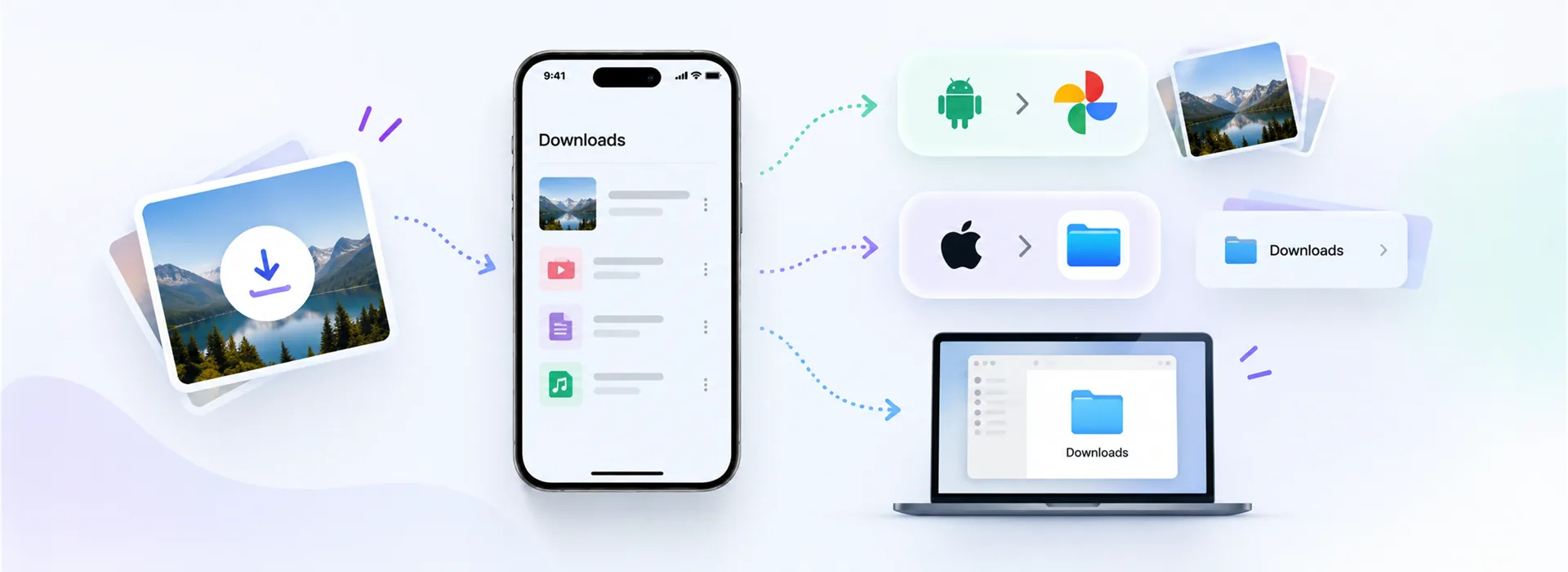
Downloads on Android, the Files app on iPhone, and how to get a saved video into your Gallery.
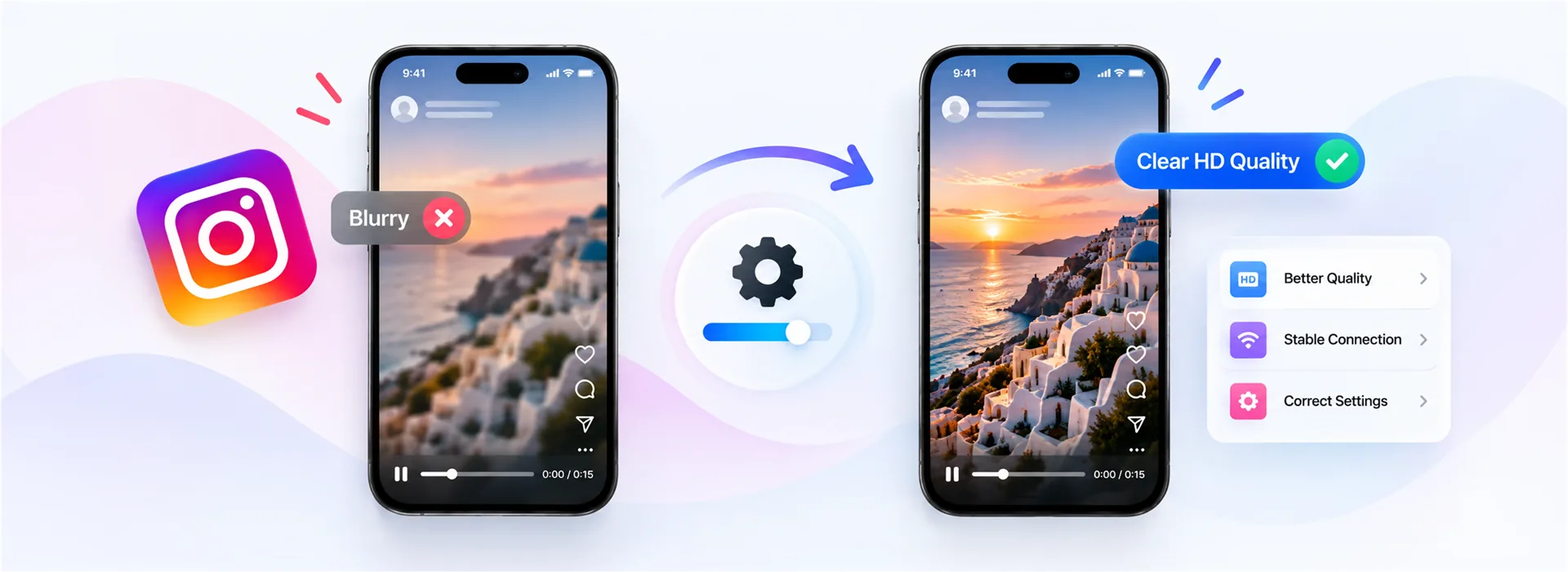
What the platform does to your upload, what you can control, and what a download really gets you.
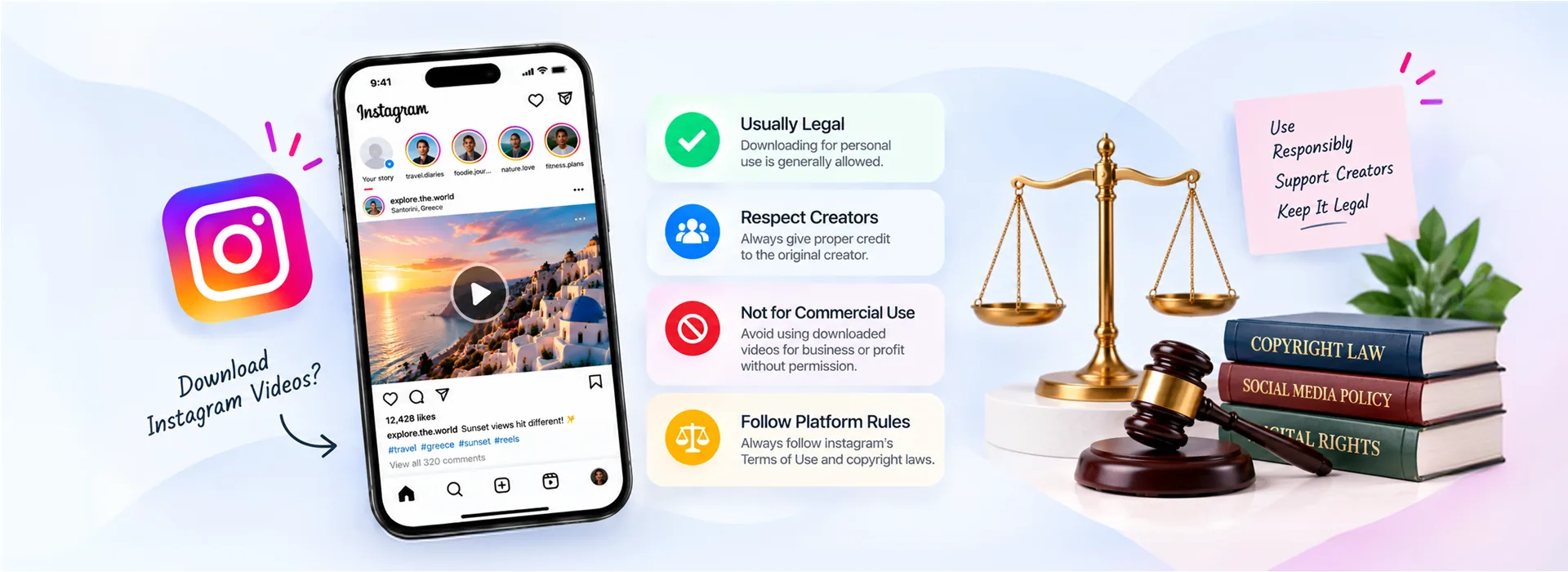
Personal use, copyright and platform rules, and the line that actually matters in practice.