How to keep only the sound of a video as MP3
Pulling the audio out of a Reel or a pin, what bitrate is enough, and why some clips are silent.

You save a pin, open it, and there is nothing to hear. The audio was never missing from the pin: it simply lives in a separate stream that most downloaders never fetch.
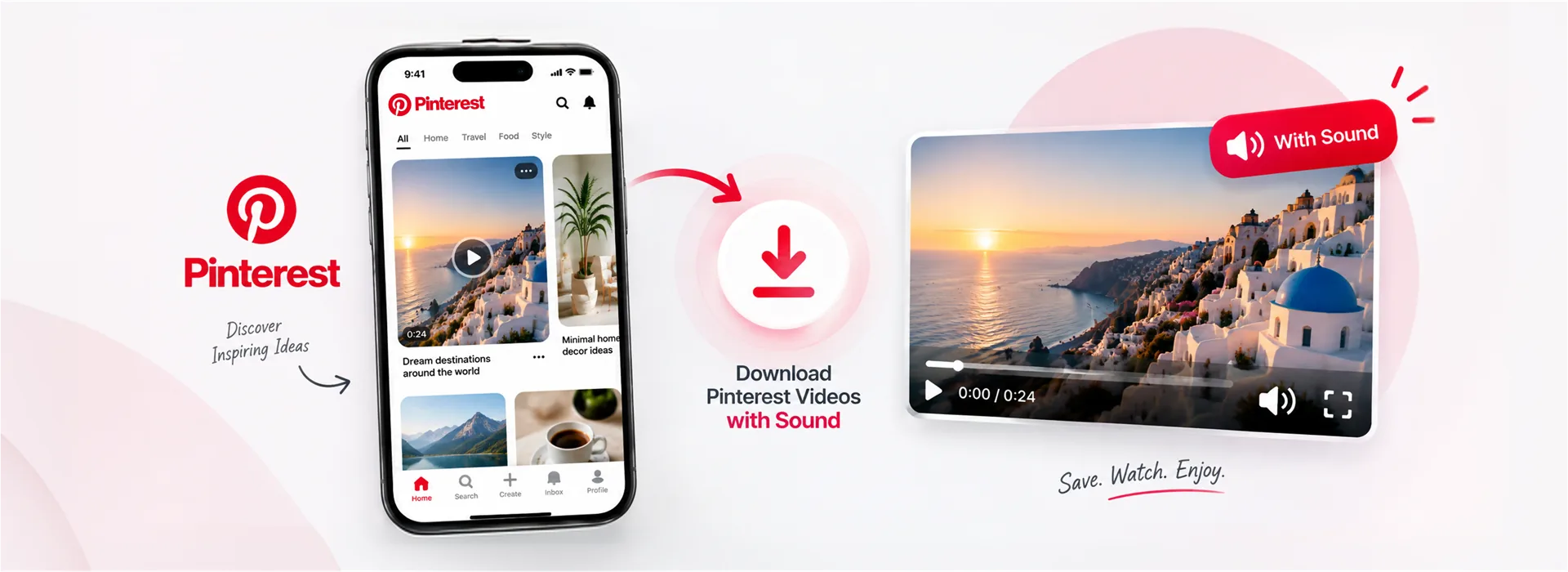
Short answer: Pinterest keeps picture and sound apart, so a tool that grabs only the video track hands you a silent file. Our Pinterest video downloader joins both while the file downloads, so the MP4 plays with audio.
A normal video file holds picture and sound together. Pinterest, like most modern streaming platforms, does something different for its newer pins: it stores the video in one stream and the audio in another, and the player fetches both and syncs them while you watch.
That is efficient for streaming and invisible while browsing. It is also why a downloader that simply grabs the video file gets a complete-looking MP4 with nothing to hear. Nothing is corrupted; half the pin was left behind.
Joining them is a copy job, not a conversion. The two streams are read at the same time and written into one MP4 as they arrive, without touching the picture or re-compressing the sound.
Two things follow from that. The quality is identical to the pin, because nothing is re-encoded. And the file is ready as fast as it can download, because there is no processing queue waiting to run afterwards.
Tap Share on the pin and choose Copy link. Short pin.it links work too.
The pin is read and the video appears with a preview you can play first.
You get one MP4 with sound. The MP3 button beside it saves only the audio.
An Idea Pin, once called a Story Pin, is a single pin holding several pages of video and photos. Grabbing the cover gets you one image out of what might be ten pages.
The Idea Pin downloader lists every page separately: videos as MP4 with sound, pictures at full size, and a Download all to take the lot. Each video page also has its own MP3 button.
If you are collecting reference material rather than a single pin, paste the board address instead. The board downloader lists the first fifty pins of a public board with a Download all button, pictures in their original size rather than the resized preview the app shows.
Private and secret boards are not available: a downloader only ever sees what a logged-out visitor sees.
Some pins genuinely have no audio, particularly older ones and pins that were uploaded as silent clips. When that is the case there is nothing to join, and no tool can invent it.
The other case is an expired link. Pinterest's media addresses time out, so a link copied yesterday may no longer resolve. Paste the pin link again and a fresh one is built.
Because Pinterest stores the picture and the sound as separate streams, and simple downloaders take only the picture stream.
No. Both streams are copied into one MP4 without re-encoding, so what you get is exactly what Pinterest holds.
Yes. The Idea Pin downloader lists each page with its own button, plus Download all.
Yes. They are resolved to the real pin before the download starts. If a short link has expired, copy the pin's full address instead.
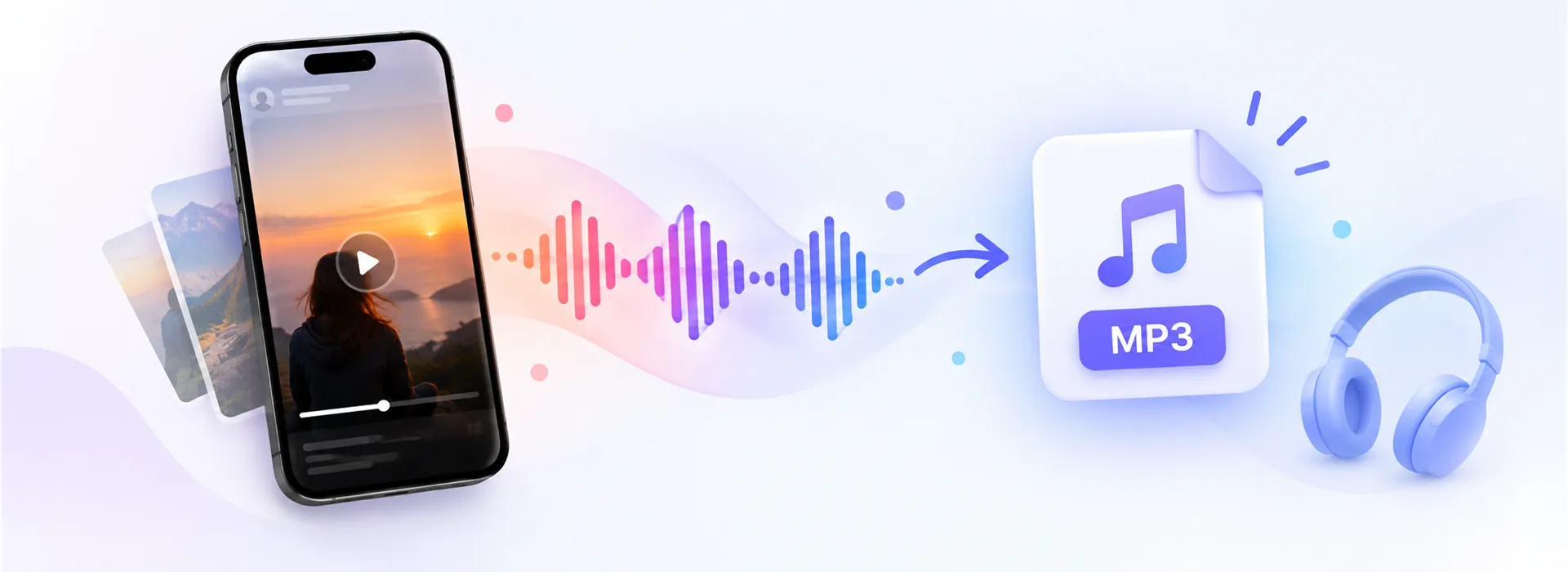
Pulling the audio out of a Reel or a pin, what bitrate is enough, and why some clips are silent.
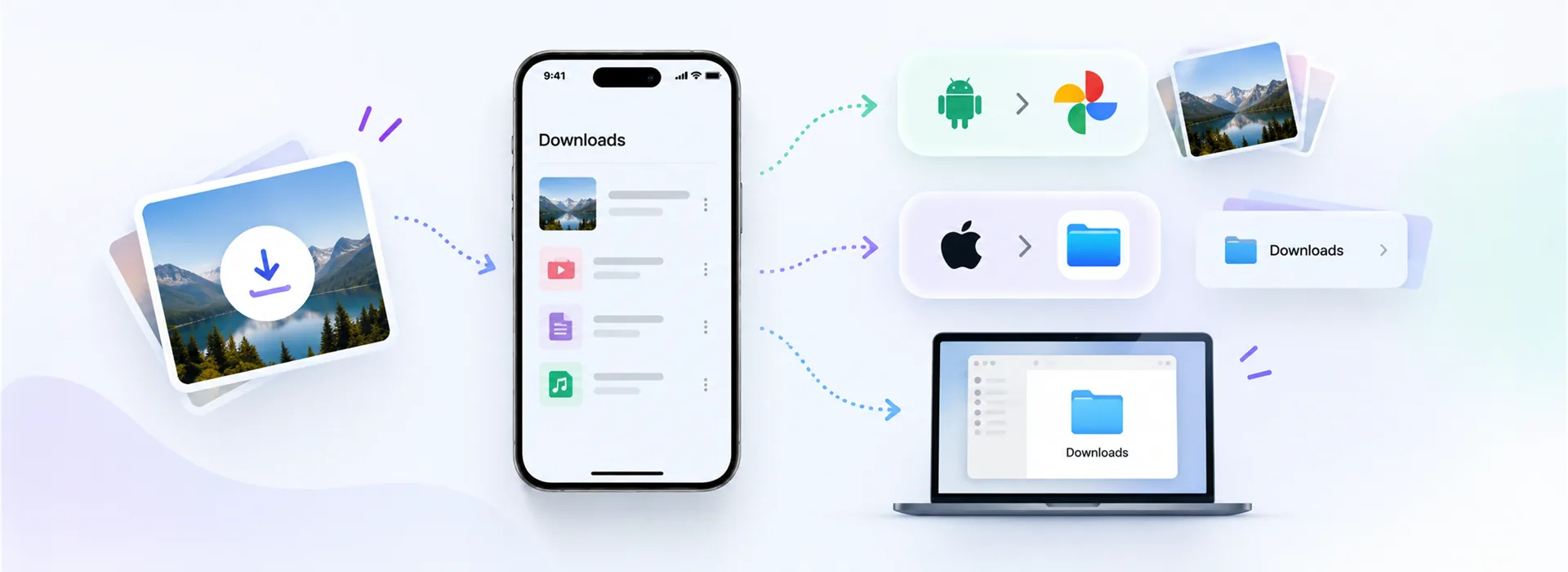
Downloads on Android, the Files app on iPhone, and how to get a saved video into your Gallery.
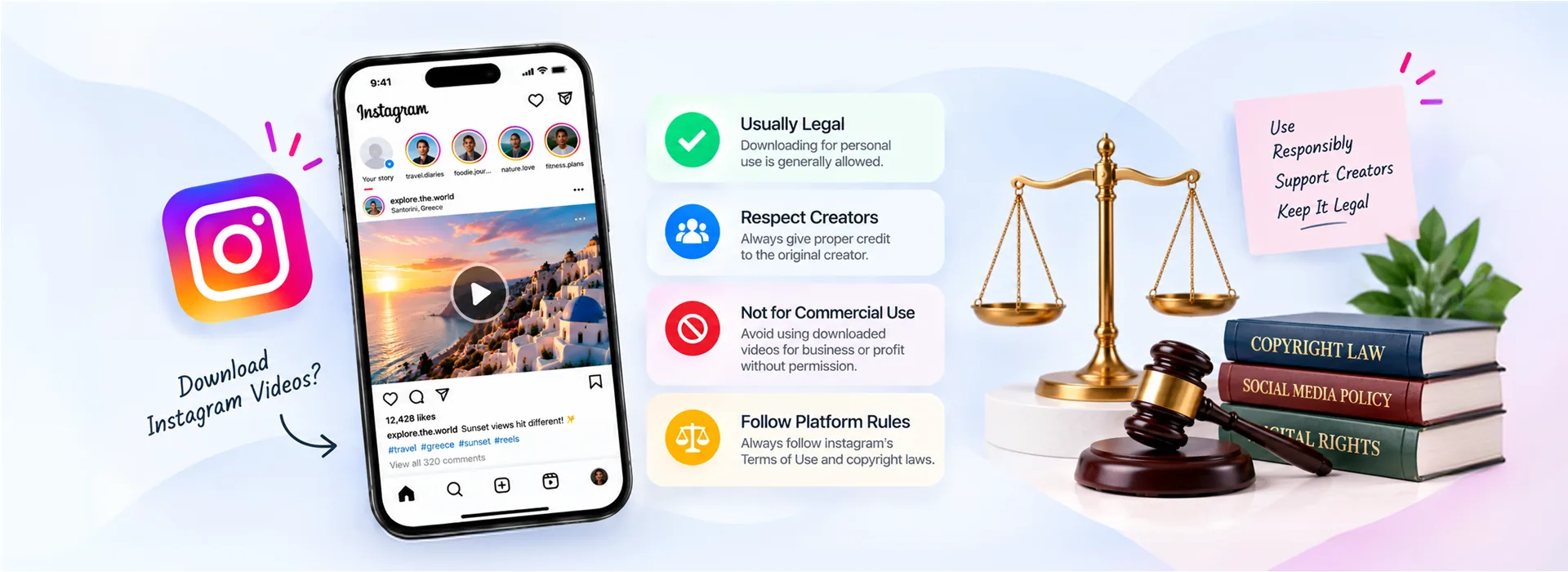
Personal use, copyright and platform rules, and the line that actually matters in practice.